A:DHAN
Smart Salat Companion
User Guide
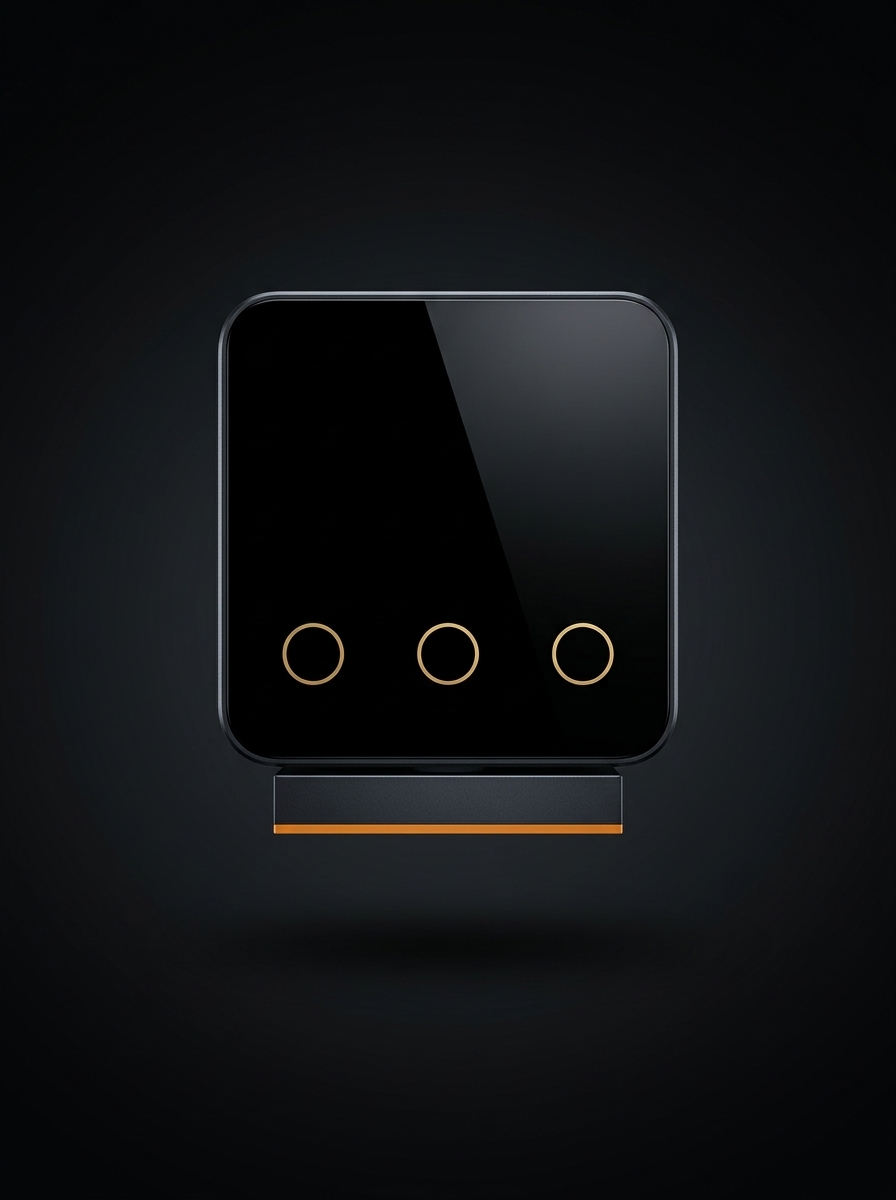
Welcome to A:DHAN
A:DHAN is a smart Adhan clock. It shows today's prayer times, follows the sun across the sky, and plays the Adhan at every prayer time.
Once it is connected to your home Wi-Fi it looks after itself. It finds your location, sets the time and downloads fresh prayer times every day, so there is nothing to keep adjusting.
This guide tells you everything you need to know about your clock, from setting it up to changing how the Adhan sounds.
Set up your clock Download the PDF
Your three keys
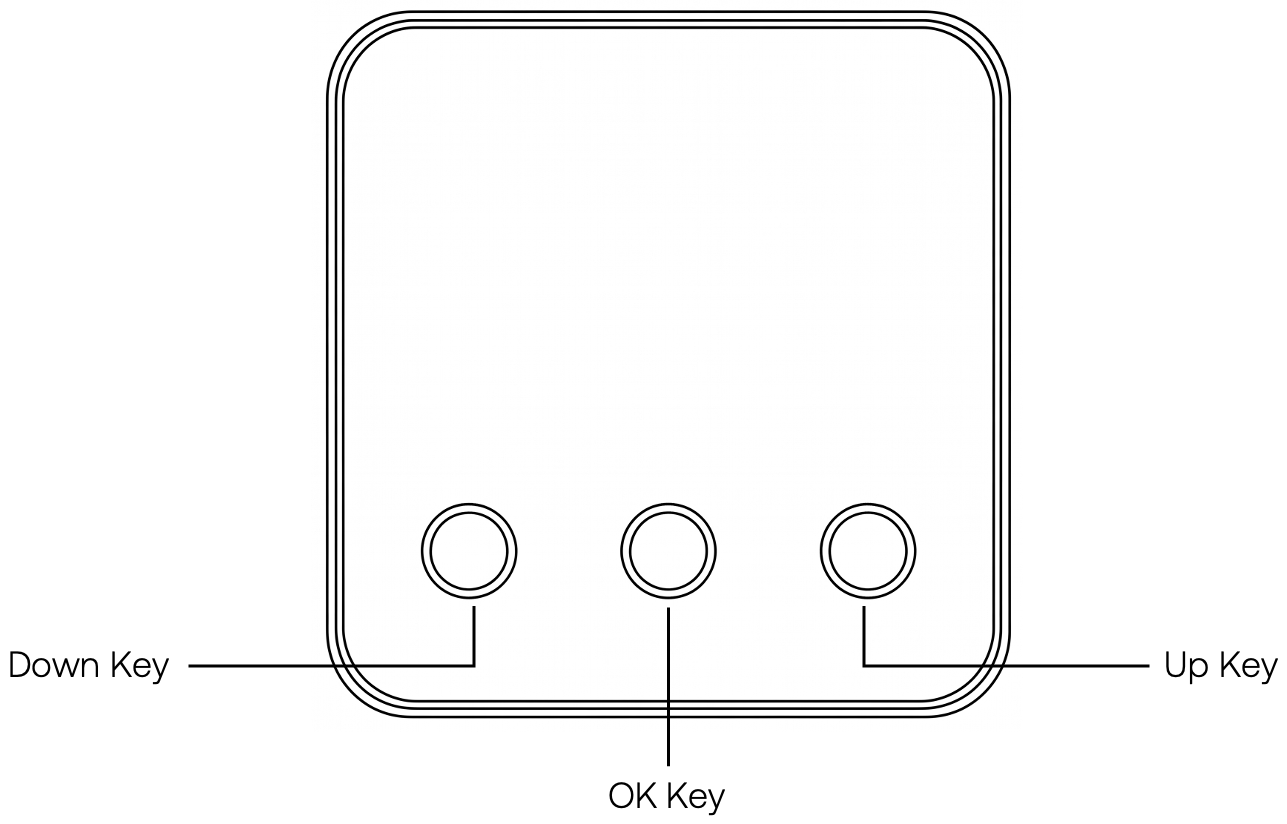
Your clock has three keys under the screen. In this guide they are called Down, OK and Up.
What would you like to do?
| I want to | Go to |
|---|---|
| Set up my clock for the first time | Getting started |
| Understand what the screen shows | Your home screen |
| Change the volume or silence the Adhan | Everyday use |
| Change the Adhan sound or other settings | The settings menu |
| Change how prayer times are worked out | Prayer settings |
| Find the Qibla or check my Wi-Fi | Qibla and Wi-Fi |
| Install a software update | Firmware updates |
| Fix a problem, or move to new Wi-Fi | Troubleshooting |