Everyday use
How to change the volume
- Press Up to make the Adhan louder.
- Press Down to make it quieter.
- The three dots in the top right corner show the volume: Mute, Low, Medium or High.
How to see today's prayer times
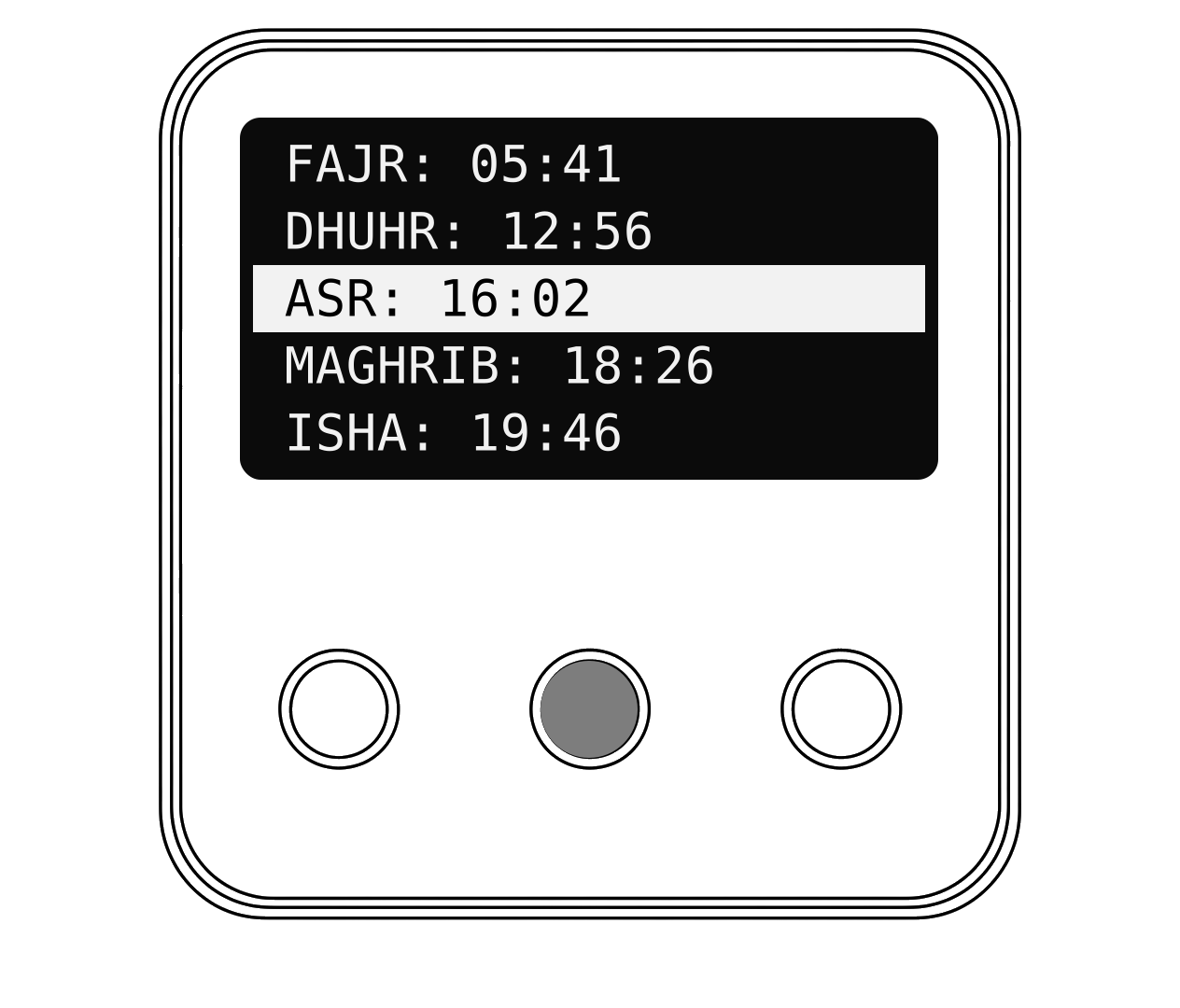
- Press OK. The five prayer times for today appear.
- The next prayer is highlighted.
- After 15 seconds the clock goes back to the home screen.
When the Adhan plays
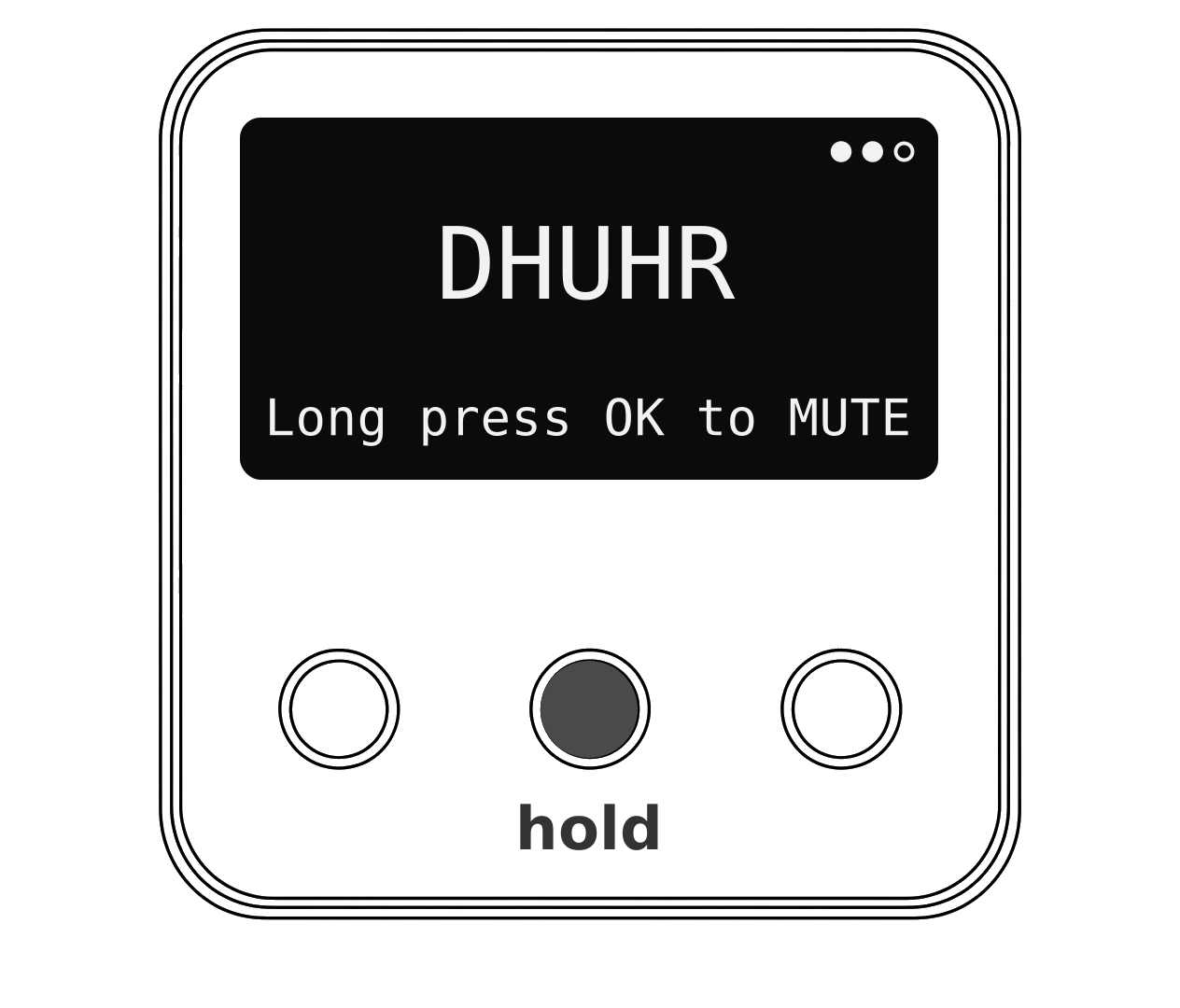
At each prayer time your clock plays the Adhan and shows the name of the prayer. Fajr has its own Adhan.
How to silence the Adhan
- Press and hold OK for about a second.
- The screen shows MUTED and the Adhan goes quiet.
- Your volume goes back to normal for the next prayer. Nothing else changes.
Hot tip
Prefer something shorter? Choose a Short Adhan or a gentle Chime in the settings menu.