The settings menu
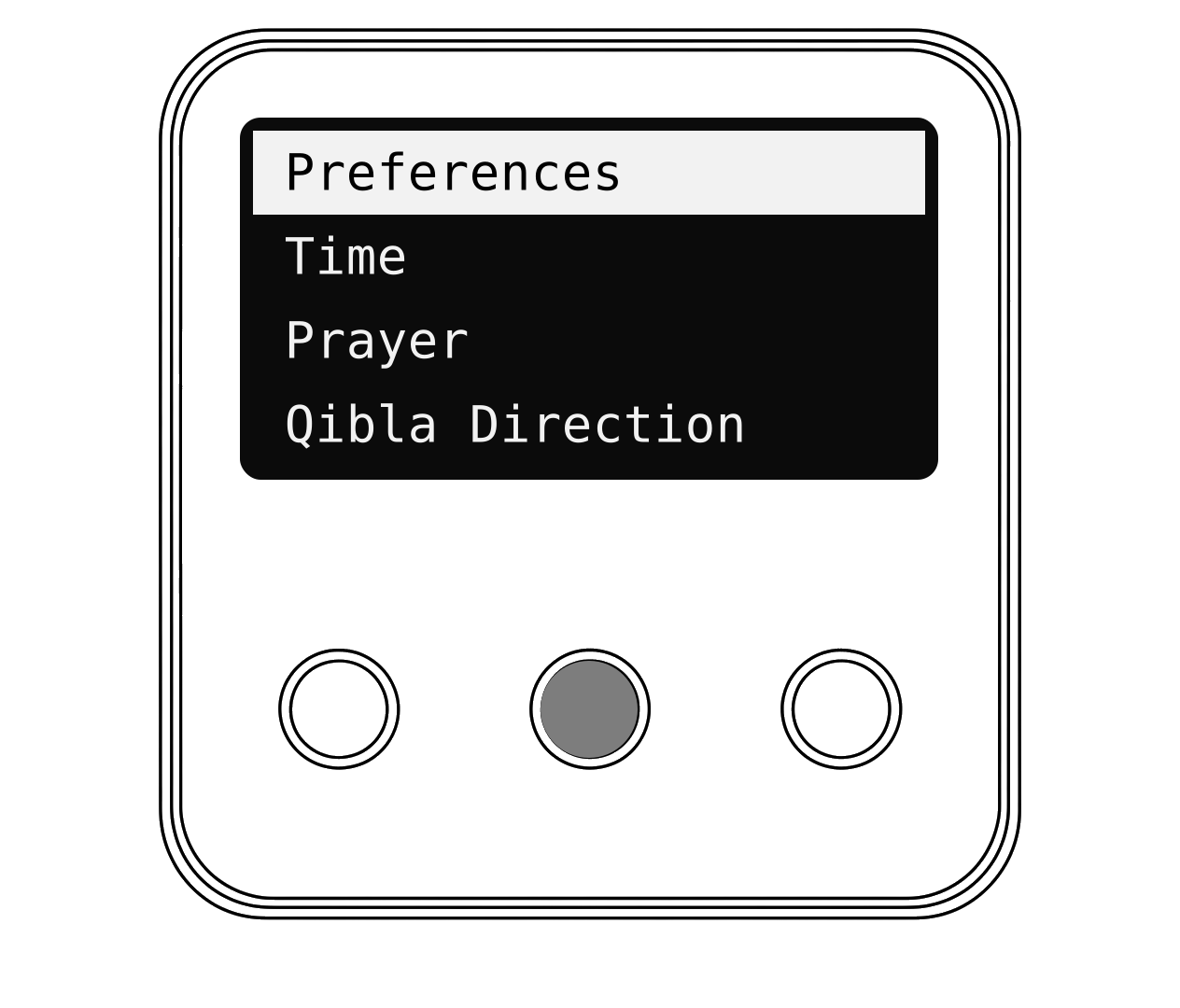
How to open the menu
- Press OK to see today's prayer times.
- Press OK again to open the menu.
- Press Up or Down to move the highlight.
- Press OK to choose.
- Choose Back to go up a level.
Hot tip
If you don't press a key for 15 seconds, the menu closes by itself.
What's in the menu
| Menu | What is inside |
|---|---|
| Preferences | Volume, Adhan Type, Dua, Countdown |
| Time | Time Zone |
| Prayer | Method, School, Angle Method, Adjustment |
| Qibla Direction | Shows the direction of the Kaaba |
| Network | Wi-Fi Status, Reset Device |
| System | Firmware Update, About |
Preferences
Volume : Mute, Low, Medium or High.
Adhan Type : Full Adhan, a Short Adhan, or a Chime.
Dua : Coming soon Playing a Dua after the Fajr Adhan will arrive in a future update.
Countdown : Shows or hides the countdown line on the home screen.
Time Zone : Leave on Auto. Your clock works it out from your internet connection.
Press OK on an item to change it. The new setting shows on the right.