Qibla and Wi-Fi
How to find the Qibla
- Open the menu and choose Qibla Direction.
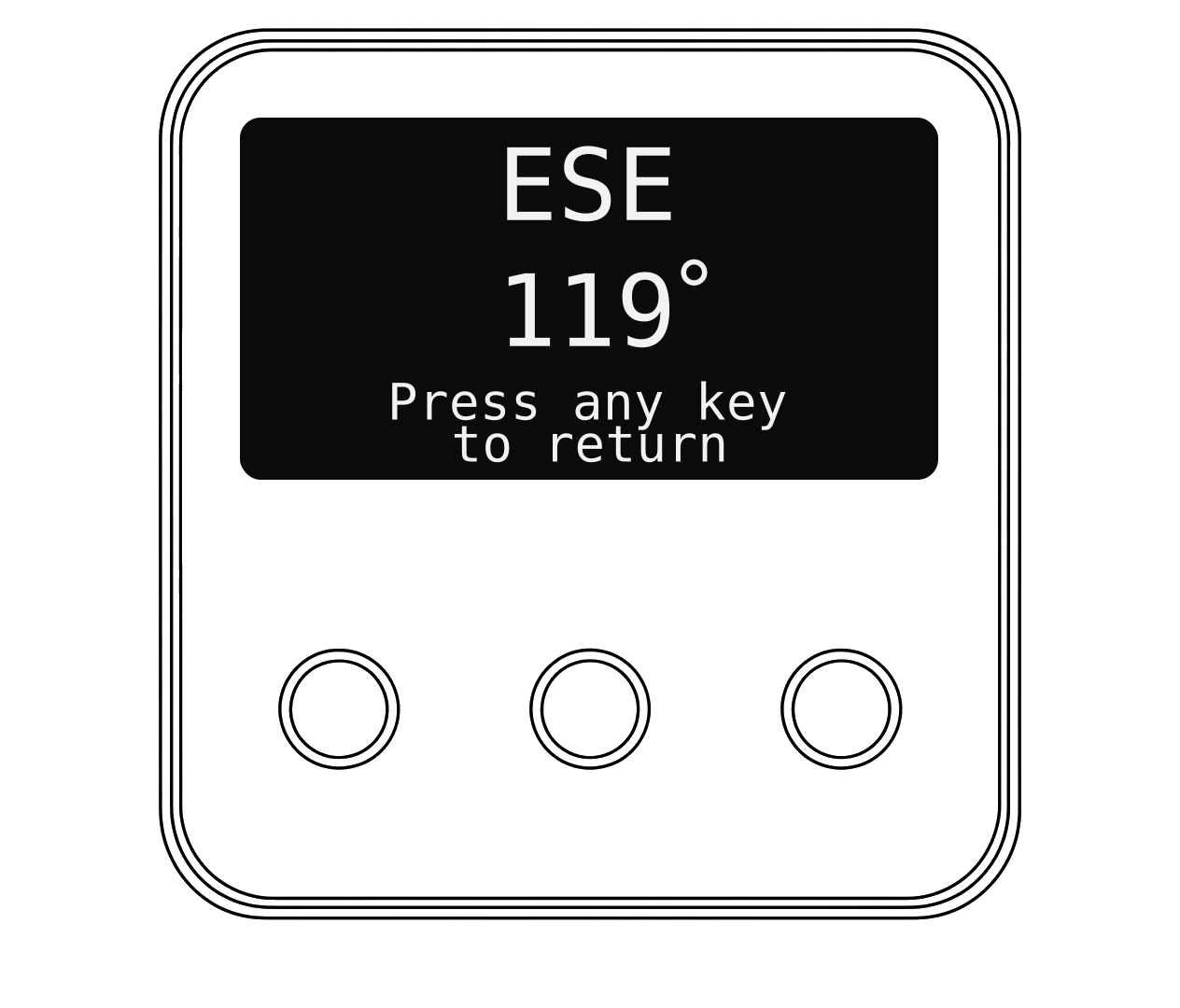
- The clock shows the compass direction of the Kaaba from where you are, with the angle from North.
- Use the compass on your phone to face that direction. Press any key to go back.
How to check your Wi-Fi
- Open the menu, choose Network, then Wi-Fi Status.
- You'll see the Wi-Fi name your clock is using and how strong the signal is.