Firmware updates
From time to time there is new software for your clock with improvements and fixes. Your clock checks for it once a day.
How to install an update
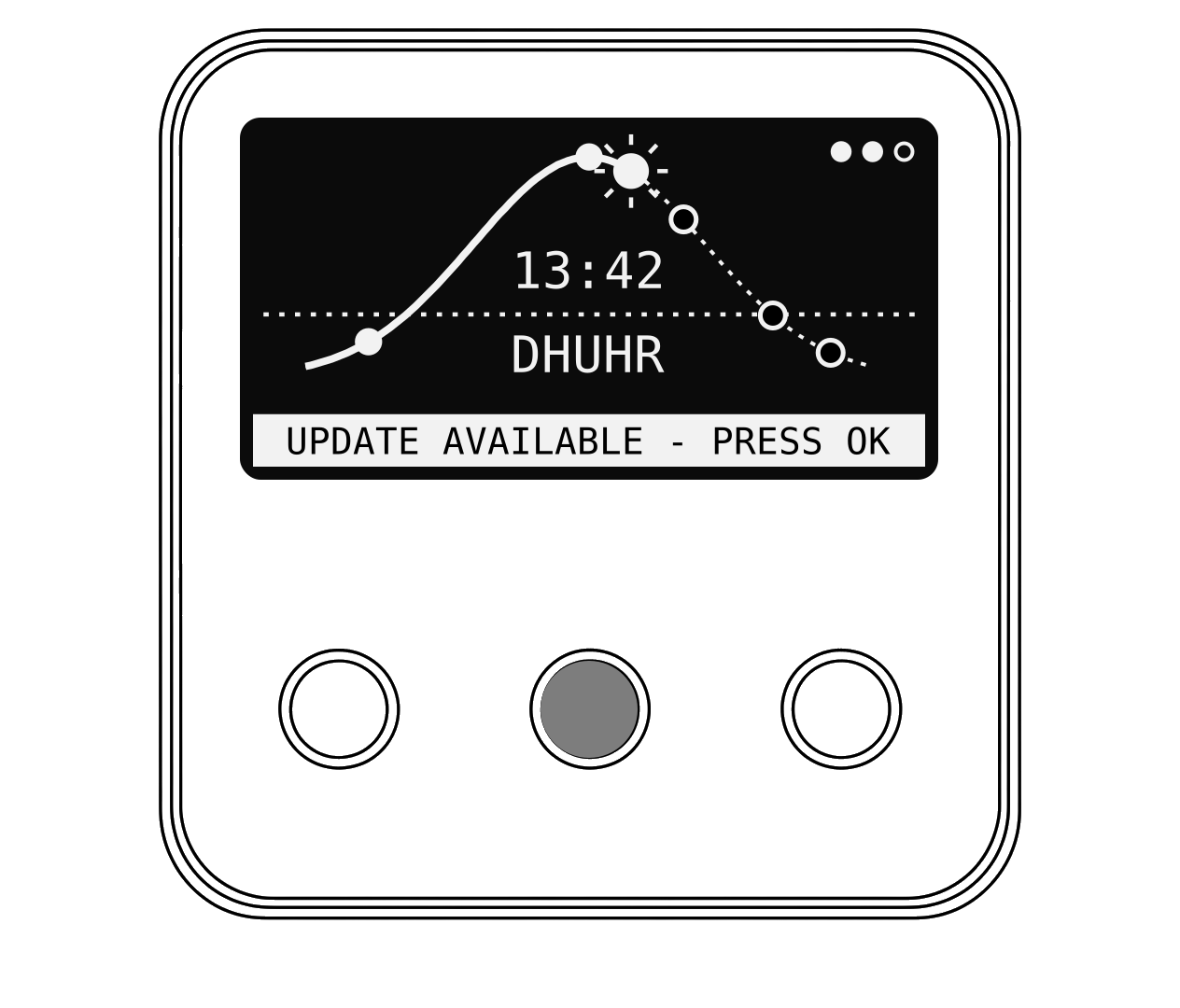
- When an update is ready, the home screen shows UPDATE AVAILABLE - PRESS OK.
- Press OK, then choose Install.
- Wait while the screen says Do not power off. Keep the clock plugged in.
- Your clock restarts by itself when the update is finished.
Hot tip
You can also check by hand under System, then Firmware Update. About shows which version you have.